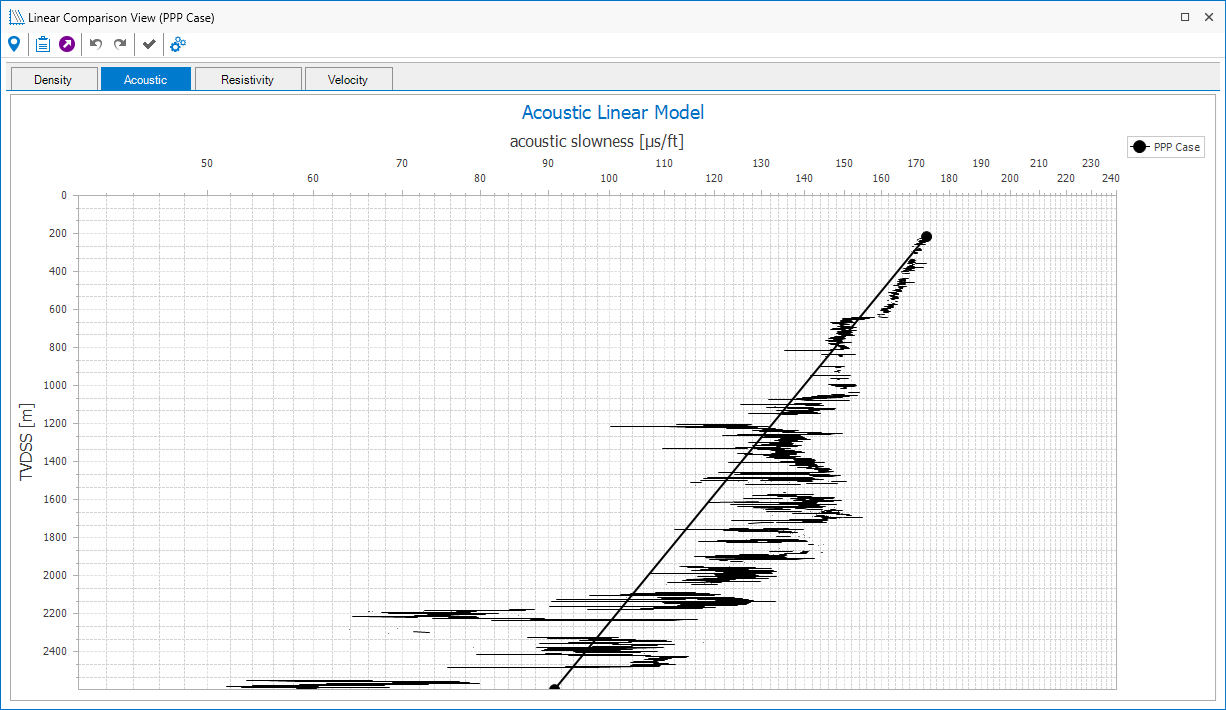
Linear Comparison View
The Linear Compaction Trend Comparison View (Pore Pressure > Compaction Analysis > Linear Trends > Linear Comparison View) allows you to compare linear normal compaction trend lines when using different cases or wellbores in a project. Line colors are based on the colors of the source wellbores from the respective 1D Case, except the active case which is always rendered in black. To change the line color, right-mouse click on the wellbore in the JewelExplorer to open the context menu and select Display Settings > Color. You can move the normal compaction trend from your active case. You also can change lines visibility, make corresponded NCT logs visible and change the line width in the "Options" panel which can be open using the corresponded view toolbar button.
Note that when Shale filtered logs are displayed, performance decreases. By default, the option to display the logs is unchecked.