Property Calculator variables, functions and examples
Pre-built functions and variables are available within the Property Calculator (Workspace > Tools > Property Calculator). You can access them via the 'Functions and Variables' area of the Property Calculator.
Aiming to provide insights into the capabilities of the Property Calculator, the descriptions in this appendix cover various calculation methods, examples and expressions and include screenshots. Tables are used to explain various function categories. The columns listed in these tables include:
Name The function's name as used in expressions.
Generated expression The expression inserted into the Property Calculator when you click on the function. Adding functions in this manner allows you to quickly and easily build your expression.
Description A short description of the function.
Expression example A small example of a valid expression.
Ex Reference to an example at the end of each section.
One or more examples are presented with screenshots of the function’s results at the end of each section. The color coding used in the Property Calculator expressions is as follows:
|
Red |
Existing property name (between $ signs, so that a property name with all characters is supported ) |
|
Light green |
Discrete property class (between # signs to make it different from a property) |
|
Dark blue |
Supported keyword (e.g. if, then, else, etc.) |
|
Light blue |
Mathematical constants and standard variables (e.g. pi (π), null, time index, TVDSS, NumK, etc) |
|
Dark green |
Functions (e.g. sin, offset, Classcount, Distance, etc.) |
|
Black |
All other variables and expressions |
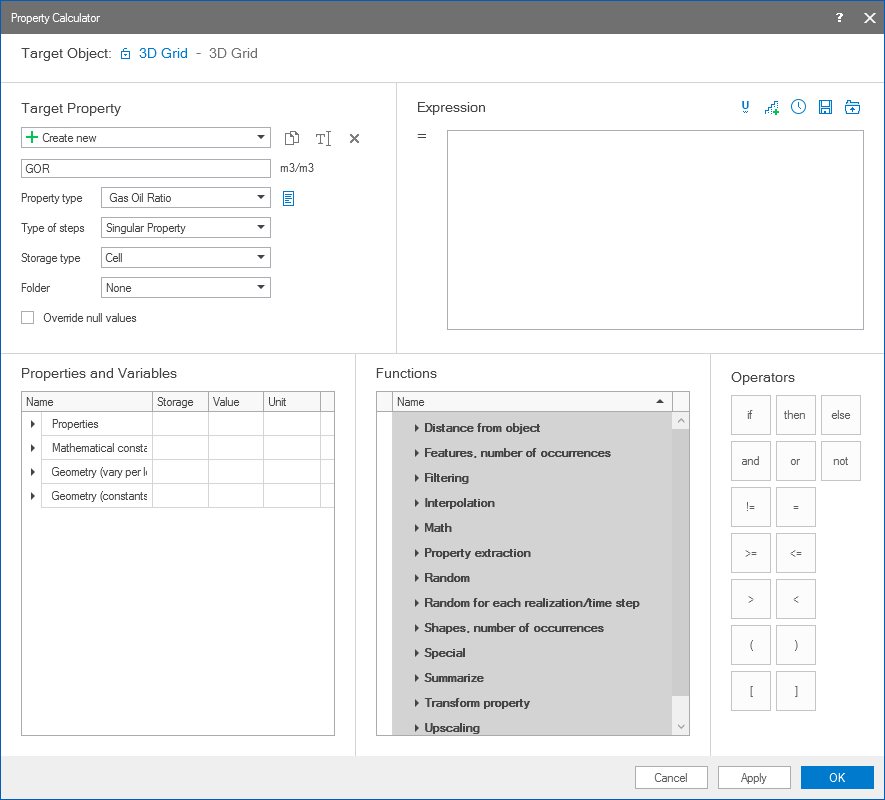
The Property Calculator click to enlarge