Custom (Linear) Trends Editor form
On the Custom (Linear) Trends Editor form, you can fine-tune the placement of the custom trend line points on a one-by-one basis. This process consists of selecting the trend line that you want to edit from the left side of the form, and then double clicking into the TVDSS or Value columns of the table on the right side of the form and specifying a value.
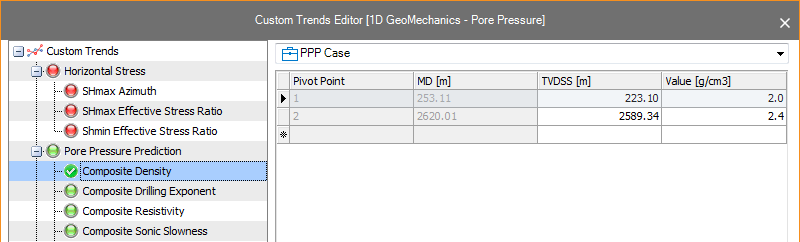
A complete trend line adjustment (center) as well as an individual node adjustment (right) click to enlarge