How can I import additional well data, like markers, logs and calibration points?
Go to the DATA > Static Data > Static Data Preparation. From this strip, you can import and create well markers, logs, and create calibration data points.
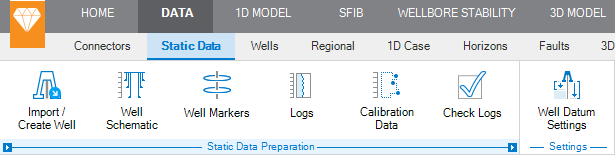
click to enlarge
You can import various predefined file formats, like LAS, but the User Defined Column reader might be the most suitable option. Using this reader you can quickly import column-based data.
You can create data using data creation tables. You specify the name, property template (Pressure or Stress etc.) and then type the MD/TVDRT/TVDSS and data values. You can also use the copy and paste option using Ctrl-V.