Importing GMI data
You can import data from both GMI*ModelBuilder and GMI*WellCheck into your solution. Both import operations can be initiated via the Open option in the Home > File sub-strip.
To import GMI*ModelBuilder and GMI*WellCheck files
- Click the Open button in the Home > Solution sub-strip.
- In the Files of type drop-down box select either ModelBuilder files or WellCheck Case files.
- Navigate to the location of your ModelBuilder/WellCheck file.
- Select the file and click Open. Upon successful import of either file type a quality check import view opens. For ModelBuilder import this view is the GMI-ModelBuilder view.
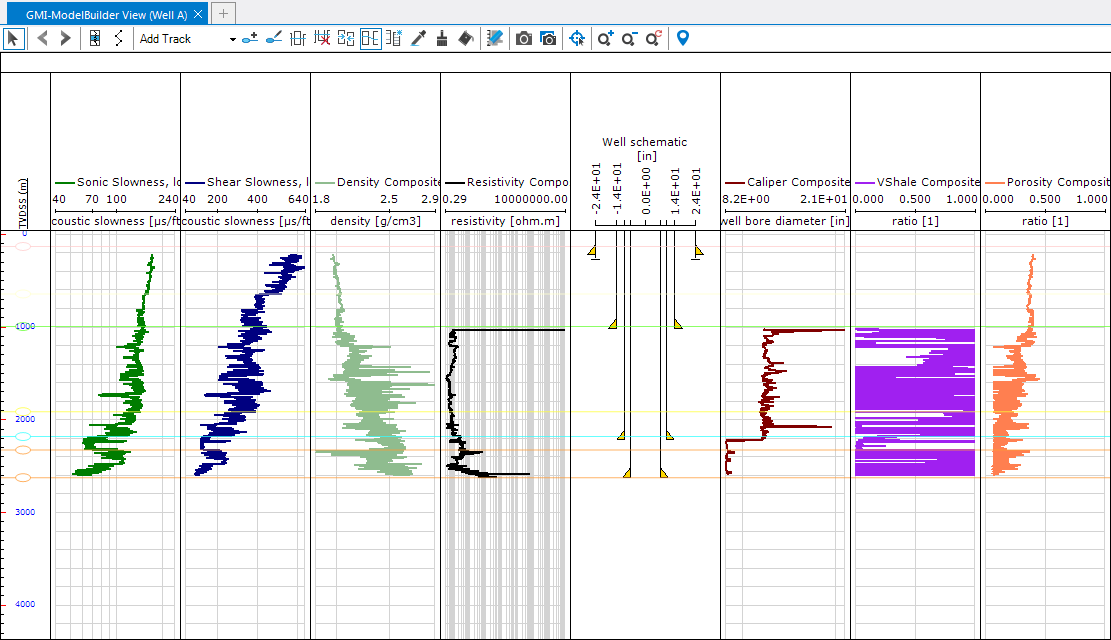
GMI-ModelBuilder view click to enlarge
The GMI-ModelBuilder View displays all of the imported logs, well schematic, and zonation model for review before you proceed to the workflow.
When importing WellCheck files the GMI-WellCheck View opens. This view, like the GMI-ModelBuilder View, displays the imported logs and well schematic for review before you proceed with the workflow.
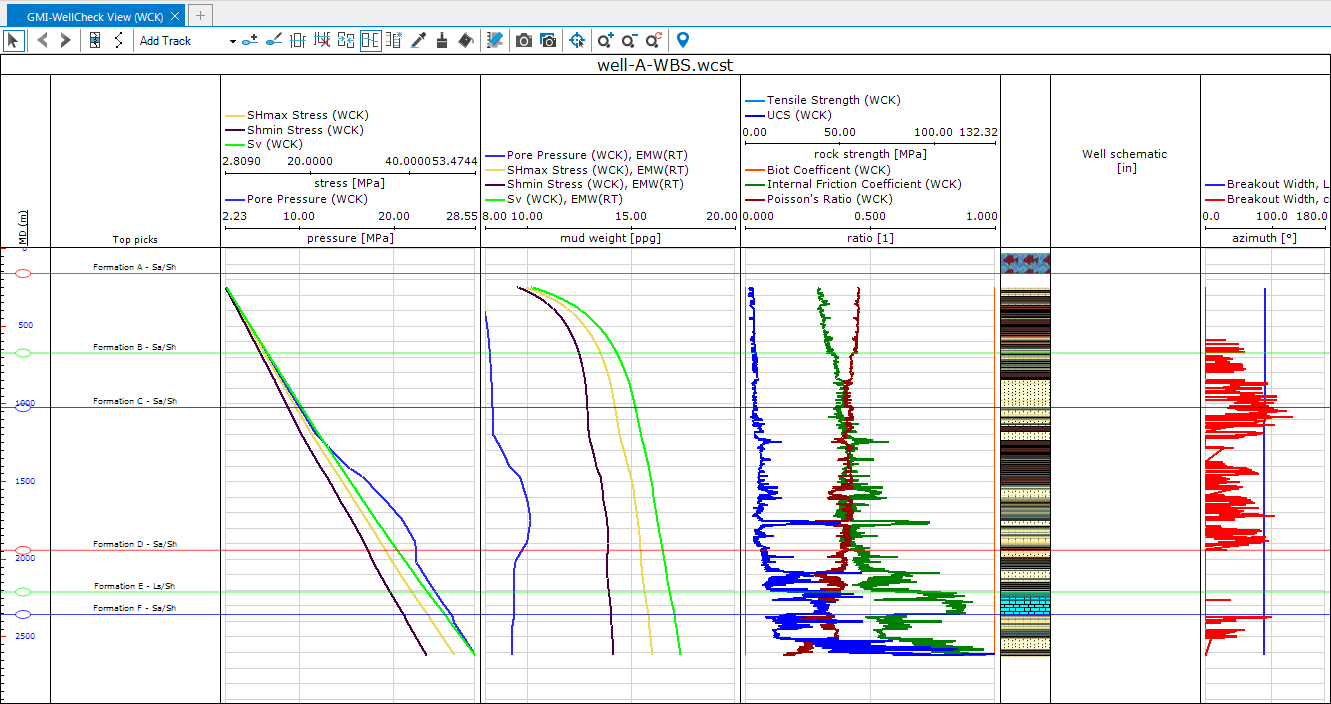
click to enlarge