Installation
-
Run the installer file and wait for the Setup Wizard to start.
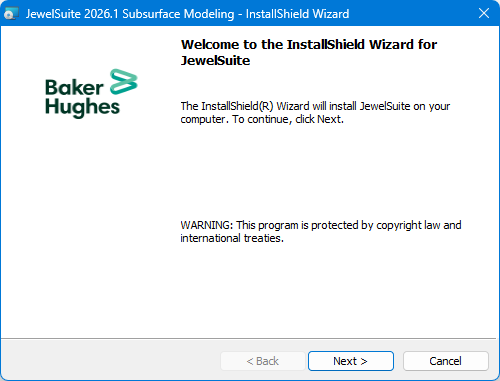

Setup Wizard click to enlarge
-
Click Next to proceed to the End User License Agreement; select I accept the terms in the license agreement.
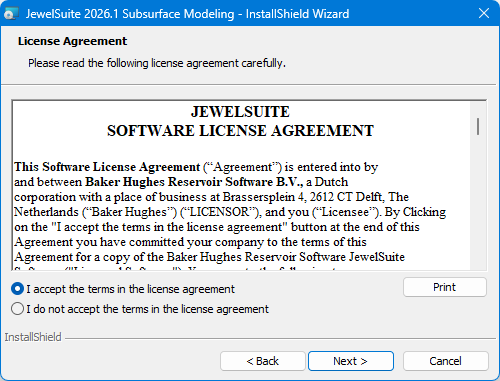

License agreement click to enlarge
-
Click Next to specify the Destination Folder.
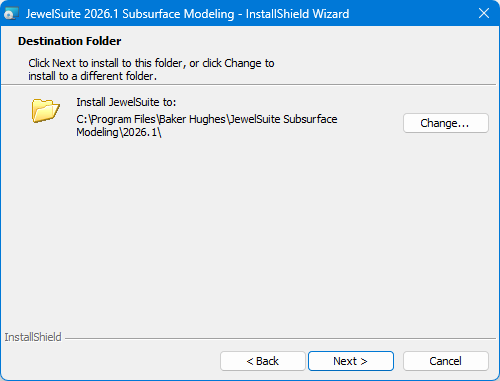

Destination folder click to enlarge
-
Click Next > to continue to the Ready to Install screen.
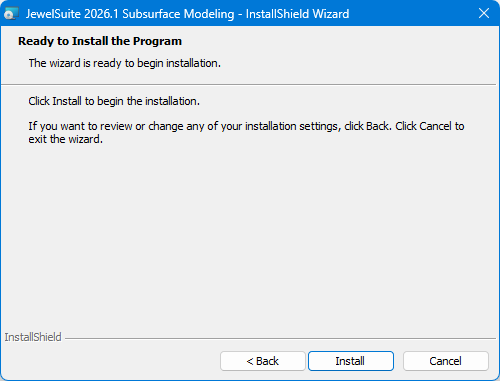

Ready to install click to enlarge
-
Click Install to continue. The installer begins installing the program files on your system.
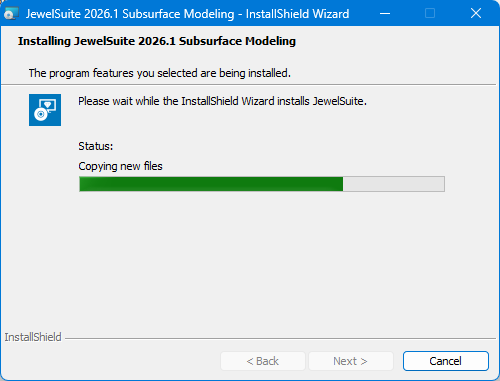

Install progress click to enlarge
-
When the installation has finished, you will see the Completed screen.
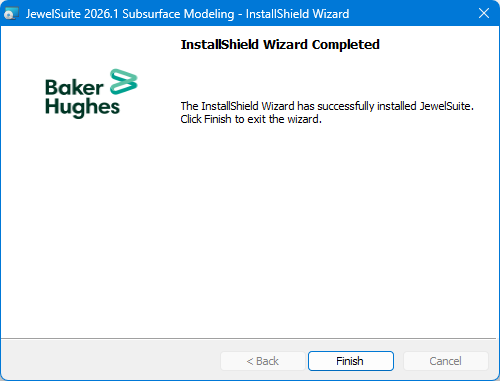

Installation complete click to enlarge
-
Click Finish to close the installation.
The default installation location is shown under Destination Folder. If you prefer a different location, click Change... and navigate to the installation folder you want to use.