Viewing the simulation output report and results
The output report created by the simulator is a verbose text file that gives complete details on the simulation.
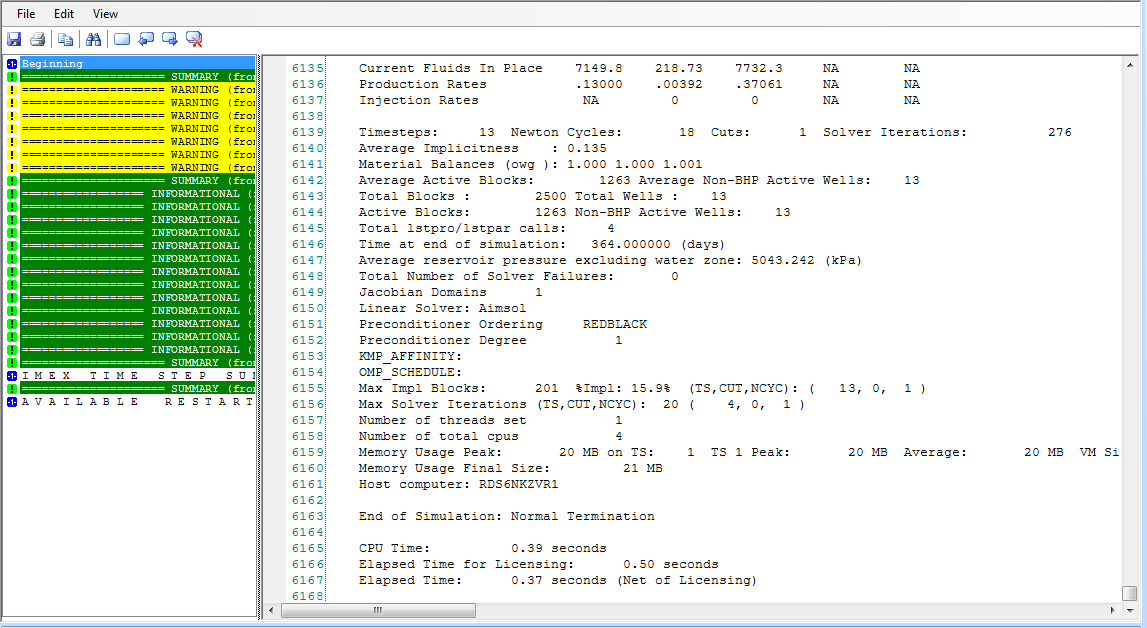
An output report in JewelSuite Subsurface Modeling after running a simulation using the IMEX™ simulator click to enlarge
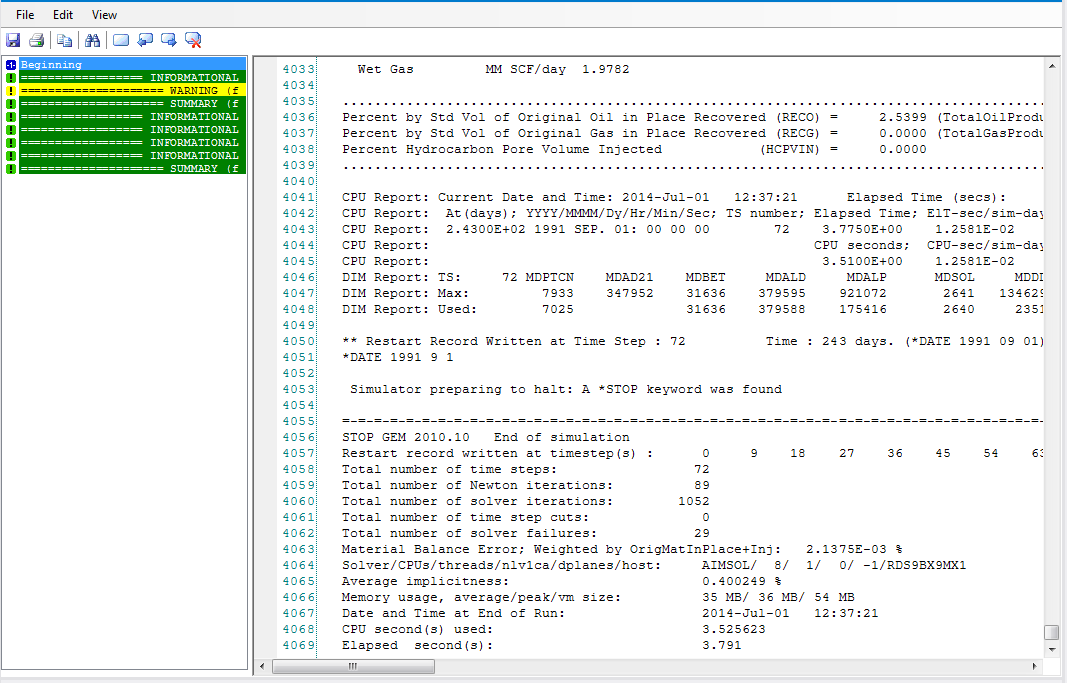
An output report in JewelSuite Subsurface Modeling after running a simulation using the GEM™ simulator click to enlarge
The best approach to browsing the output report is to search for various text strings in the report:
TIME(step) Timestep report.
*NOTE, *WARN, *ERR Significant message from the simulator.
FLUIDS Initial fluids in place report.
M/M Maximum/Minimum values report.
WELL TABLE Well production/injection report.
WELL nnnn Well summary report for well nnnn.
TIMESTEP Timestep summary report.
Simulated production data
By default, the simulator produces production data at each timestep. No setup is required to receive the data. Data from the simulator is created in the .sr3 result file and is imported at the end of a successful simulation run. Production data is ready for viewing in the Production Data View (Old). Click Import Results on the Simulation strip to import results from simulations that have not been run in the application.
Production data is generated for the following subcategories:
GROUP Group of wells.
WELL Well type, producer, or injector.
LAYER Perforation layer (perforation block) inside a well.
LEASE Lease line.
SECTOR Sector.
SPECIAL Special history.
NUMERICAL Numerical.
3D grid property simulation result data
The simulator produces default 3D grid property simulation result data. What data is written to the sr3 file must be setup in the input (General Settings view, Results File tab). Typical results are PRES, SO, SG, and SW 3D grid simulation result properties.
The data is imported after the simulation is complete. Select Import Results from the Simulation strip to import data from simulations that have not been run in the application.
3D grid property simulation result data will not be imported if no grid is attached to the simulation case.